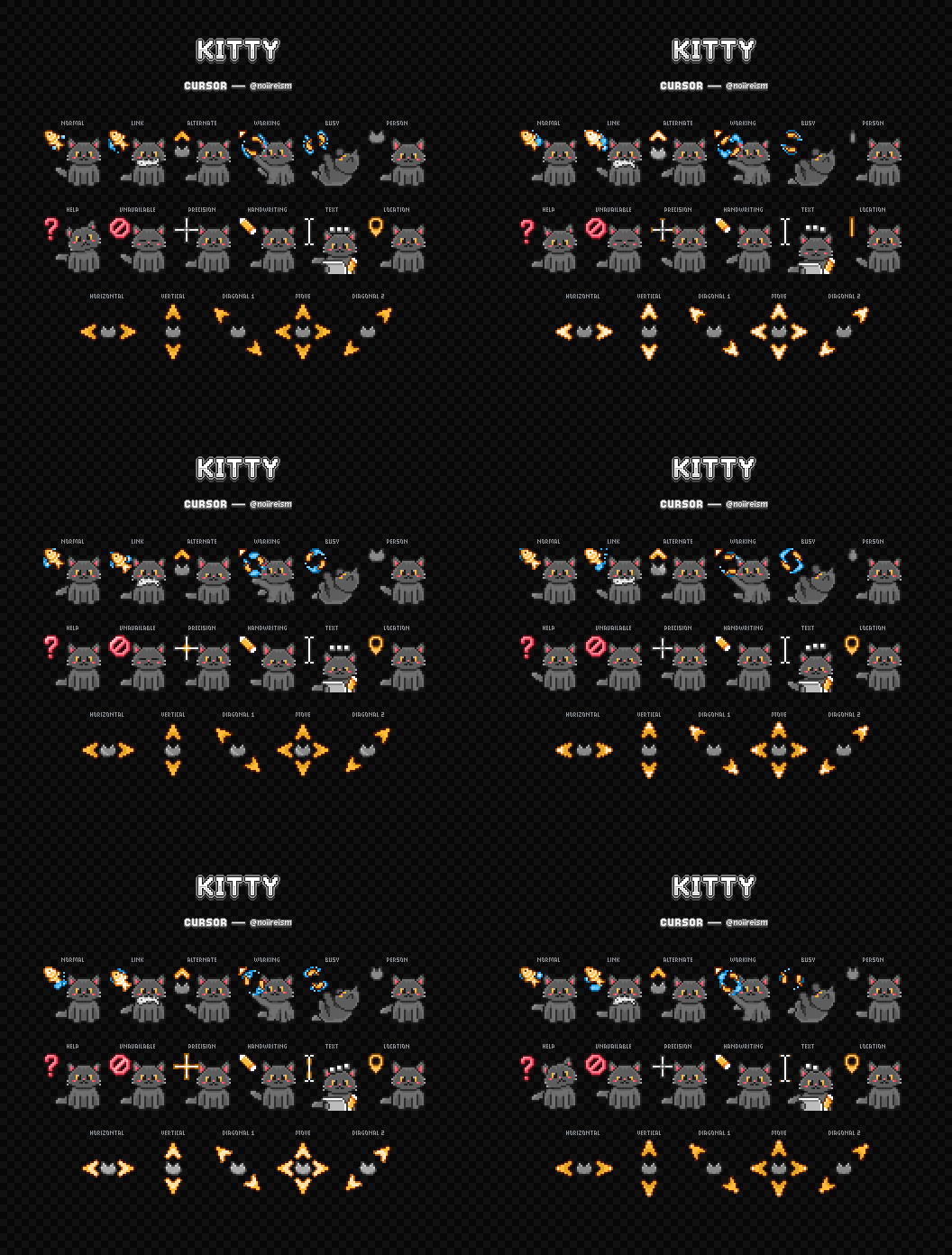
I’ve distro hopped quite a bit over the last few years. I’ve realized recently that I tend to gravitate toward KDE Plasma as a desktop environment, but I don’t take advantage of the customization as much as I could.
As I sit here looking through the KDE Plasma settings I’m curious to hear what are some favorite things to change in any DE. Please share what you like to do when you get a vanilla install. Do you have a favorite icon pack? Do you have a favorite theme? Any particular widgets that you would recommend?
I’m sure there is more out there than I can think of. Please share!
Edit: I can’t respond to everyone, but this is a great discussion. So many good suggestions and ideas. Keep them coming!
I’ve only tried Ubuntu, Mint, and CachyOS.
Didn’t like Ubuntu much, but probably because it was my first Linux attempt and I’d probably understand better now.
Mint is cool, my laptop is running it, but the system settings being individual apps is frustrating, especially when you can’t remember the name of the one you want and there’s 2 display ones? Grrrrr
I like Cachy a lot. I haven’t used it as much as I’ve only put it on a second laptop to use as a media centre in conjunction with Plasma Big Screen, but I’m thinking of switching my laptop over to it because it feels mostly the same in desktop mode, but the system settings are unified and a lot easier to deal with.
(My desktop is still a Mac, I haven’t converted completely sorry)
Taskbar on the left edge of the screen
E: also trackball instead of mouse.
I ran taskbar on the right edge for ages back when I had the 32:9 super ultrawide, but since I changed to a 21:9 ultrawide I went back to bottom but have it centered instead of full width (and have it set to something like “stay out of the way” where it will hid if a window is over it, but otherwise is always visible).
Kde made double click default, it used to be single click.
Put it back to single click. So much better.
Adjust focus stealing to your liking.
Adjust the color and width of the shadow to make active windows obvious in a dark theme.
Wobbly windows: but set higher than default.
I miss window shade. Hopefully it gets worked out and returns.
Wobbly windows!
I’m going to install wobbly windows as soon as I get home. So many people to keep suggesting it and it looks amazing lol
Found the capslock user !
Capslock as control is life changing
Capslock as control and emacs keybindings in gnome
What do you use for capslock? Or do you just use shift??
So, one thing that Windows 11 did that I think was half good was moving the taskbar stuff to the middle.
I hated it at first (have to use it at work, and still some at home for specific things), but then I used Start11 for a little bit to try to get rid of the shitty start menu changes and noticed an option to keep the icons in the middle but move the start button itself back to the left. And honestly… I think that’s perfect. Puts the programs that are open front and center while keeping the start button in a fixed location next to a corner border so it’s easy to move the mouse to it without hardly even looking.
Anyway, while I didn’t keep Start11 (I never do… Like the program but it’s always been buggy as hell going back at least as far as Start), I did make my Cinnamon, and later my KDE Plasma, taskbar look like that.
Also moved the sys tray next to the start button instead of next to the clock, and with a couple other monitors on the clock side (CPU and memory usage), the taskbar on my system is pretty balanced.
Maybe not as flashy or interesting as what you’re looking for, but it’s a layout I’ve really come to like
(ETA: the centralizing of the taskbar in Windows I think was bad only because it made the one part that should be in a fixed and easy to hit location, the start button, move around based on how many programs are open… I think if they’d gone with centralized programs and left side start button, it would have been much better received overall… But, this is just my opinion so do with that what you will)
I think I agree with you about the taskbar, but I would have to try it. I think because monitors are so much bigger than they were years ago, the center makes more sense most of the time. I’m definitely going to play around with moving the components to see where I really like them
I’m super boring and really like vanilla gnome but without fail I always install Blur My Shell. It’s so pretty and it doesn’t mess with the paradigm at all. On my laptop I also have found Bluetooth Battery Meter to be super helpful since I use more wireless devices with it.
Mouse Tiler is nice
I like to set up klipper actions to do automation on certain clipboard actions. I have them for sending certain URLs to special programs, converting credit card charge emails into a new item in a spreadsheet, doing 2 bandcamp things. I used to have some cool automation set up with starting and stopping activities, but they removed that functionality and now I have a worse one with the command output widget. I also love using window rules to customize my programs and where and how they appear.
The email to spreadsheet idea is fantastic! I have my credit card email me for every purchase so the format is uniform no matter where I buy…
Papirus icons, Phinger cursors,
$HOME/.config/xfce4copied from previous install.Both of those look nice. I’ll try them out
I have a bunch in my KDE:
-
Karousel for arranging windows
-
Klassy for window decorations/general theming
-
Panel Colorizer for customizing the panel/dock
-
Kvantum for general theming
-
And then a few general things like Wobbly Windows etc.
Panel Colorizer
🤔A KDE application with a name that uses C instead of K?
I know, it really stands out on that list lol
Oh awesome. Do Klassy and Kvantum overlap? Seems like they both modify the windows.
You’re not the first person to mention wobbly Windows. I definitely have to give it a try, sounds fun!
I’m not 100% sure, there might be a bit of overlap between them but I’ve never personally had any trouble running them side-by-side.
And yeah I love wobbly windows. I’m so used to them now that if I have to use Windows or something with non-wobbly windows it feels wrong now lol.
Oh yeah, another one I’ve recently discovered that looks interesting is Quickshell. I haven’t used it much yet though, I made a semi-functional panel with it and that’s as far as I got. But it looks like you can do a lot with it once you get the hang of it.
Quickshell looks interesting, basically building your own desktop environment. That’s probably the next step after I figure out what customization I want.
Thanks for the input! Much appreciated
-
Kind of a small thing, but I use an Ultrawide monitor with Sway, so I wrote a oneliner to swap to a higher or lower display scale depending on the workspace I’m on. I like to game in full rez while I’d write code or read with a HiDPI resolution that’s easier to squint at. Also adding hotkeys to change scaling on demand is nice
Great example of something I’d never think of. Thanks!
blur
A must!!
Amazing 🤩
this is gold, thanks for sharing
Focus follows mouse and unchecking the option to auto raise the active window. Couldn’t live without it and being used to it has made me extremely clumsy when I do pick up my Windows work laptop.
I change the taskbar clock to be a one-line MM/DD HH:MM:SS format, drop in my customized locale (based on en-US for maximum compatibility, but without having to deal with US formats and units that I’m not fond of), and point the taskbar shortcut for my text editor to a script that creates a pre-named file and launches the editor with autosave enabled. Because having to manually save and come up with a name for your spur-of-the-moment notes sucks, automatically generating
20260831_text_1is so much better thana,b,a2, etc.XFCE specific, I get rid of the second panel full of launchers. Acquired taste, but also Chicago95 theme and icon pack.