- 5 Posts
- 18 Comments
Then there is QNAP. Apparently their system QTS is not as polished as DSM, but everything needed should still be there. There’s similarly priced, similarly equipped TS-462. It’s just dual-core CPU, but has more RAM (not upgradeable though) and it seems it can accept M.2 as storage at least. As per internet research, the build quality is just as good as Synology.
I have the QNAP TS-462. It’s my first and only NAS so I don’t have any points of comparison for you. Feel free to ask any questions you have and I can try and answer for you.
I do want to point out that the RAM is upgradable, but, unintuitively, only on the smaller 4GB RAM SKU; the 8GB RAM SKU has the memory soldered on.
I learned this the hard way and had to return the first one that arrived, but I currently have the memory maxed out at 16GB.

 16·2 months ago
I’d start with Backblaze’s 2023 drive report
I would prefer this at the service/instance level but would settle for client level.
 8·3 months ago
OMG 😱
Thank you!
I think it’s all provided by the OS or possibly Safari? I get basically the same thing with links in Safari:
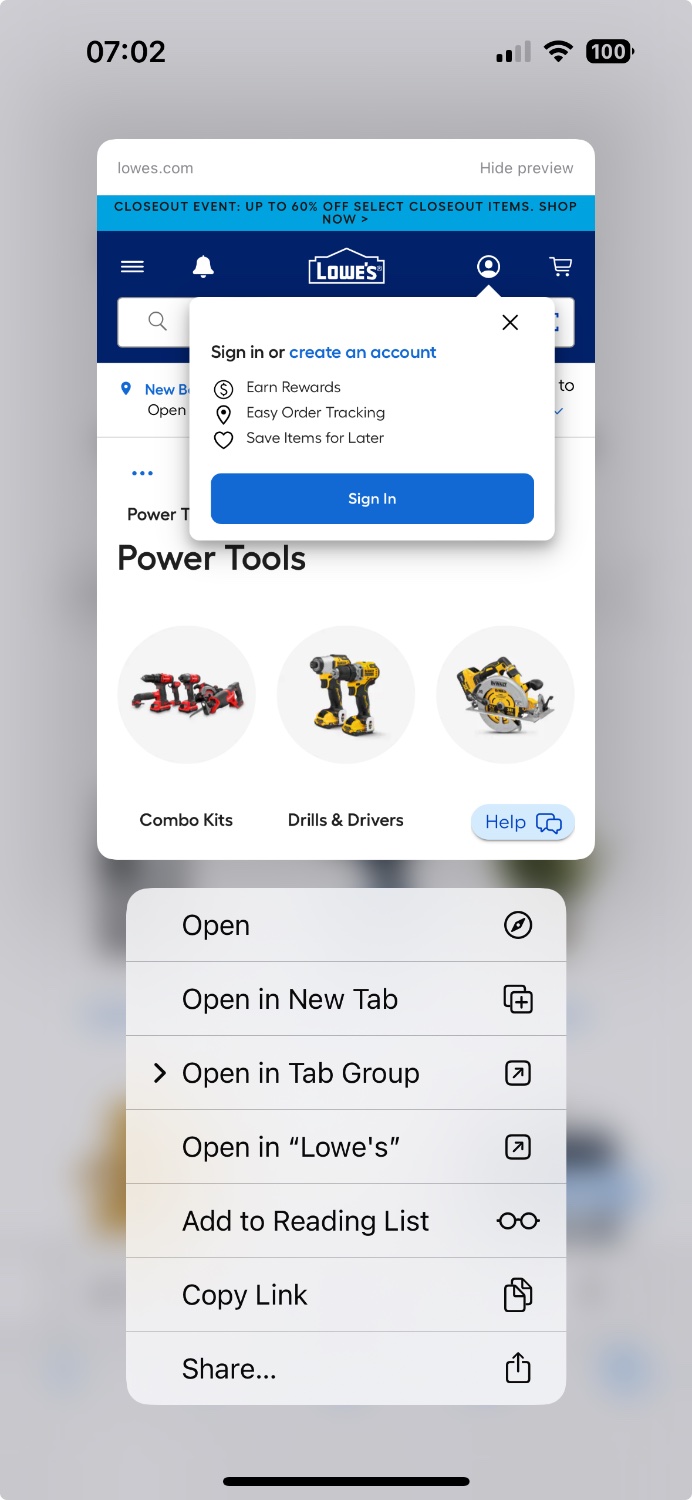
This was just the first link I found. I get a(n optional) preview of the site and an open/copy/share menu:
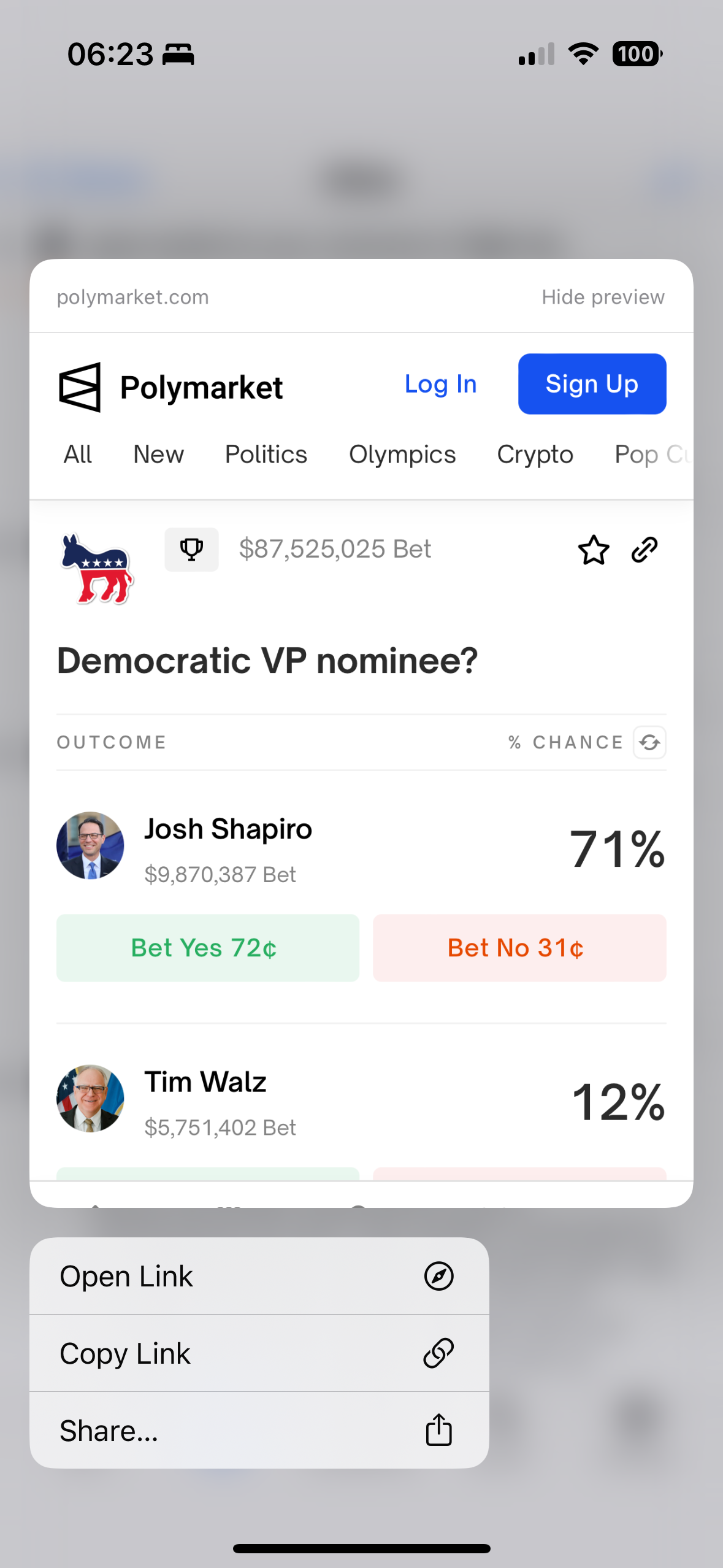
The iOS behavior is nice already. If you could update the Android behavior without changing the iOS behavior, that would be appreciated.
Good to know - Thanks!
You are checking the Lemmus.org instances, right? You asked about lemmy.world which is what I linked, but lemmus.org has their own lists.
Edit: Just checked, and wow - lemmus don’t block shit…
There are two tabs on the link I posted. Double check if you’re on the “Linked Instances” tab or the “Blocked Instances” tab 😜
deleted by creator
Is sh.itjust.works also blocked by lemmy.world? According to my research, it is. Why so much hate for sh.itjust.works?
What research? It’s on the Lemmy.world Linked Instances list:
Is this how we want it to work though?
I assume the cross poster has the opportunity to proved their own text? Maybe if they opt not to provide their own text the OP text could be displayed but it should be made clear the text is part of the OP and be within the grey card with the rest of the OP info.
I think showing both the OP text and crossposter’s text would be too busy. The crossposter’s text should take precedence.
Thanks. This is for moderation against my account? Or my communities? It’s completely empty.
How do you view mod logs in voyager?

I suspected but wanted to be thorough just in case
Audio did not play for me in Voyager but I was able to copy the URL to Safari and open it where it did play.

Thanks - that’s a nice workaround. Completely forgot you could add shortcuts to the share sheet.